Actionary
Your to-do list, on steroids
Works in any browser · installs on your phone like an app
Features
Capture ideas instantly
Capture all your thoughts in one place. Press C on any screen to jot a task down — decide what to do with it later.
Group tasks the way work actually happens
Every project is one of three types, so it behaves the way that work actually does — and any of them opens as a list or a mind map.
Sequential
Steps happen in order. Only the current one is actionable — the rest wait.
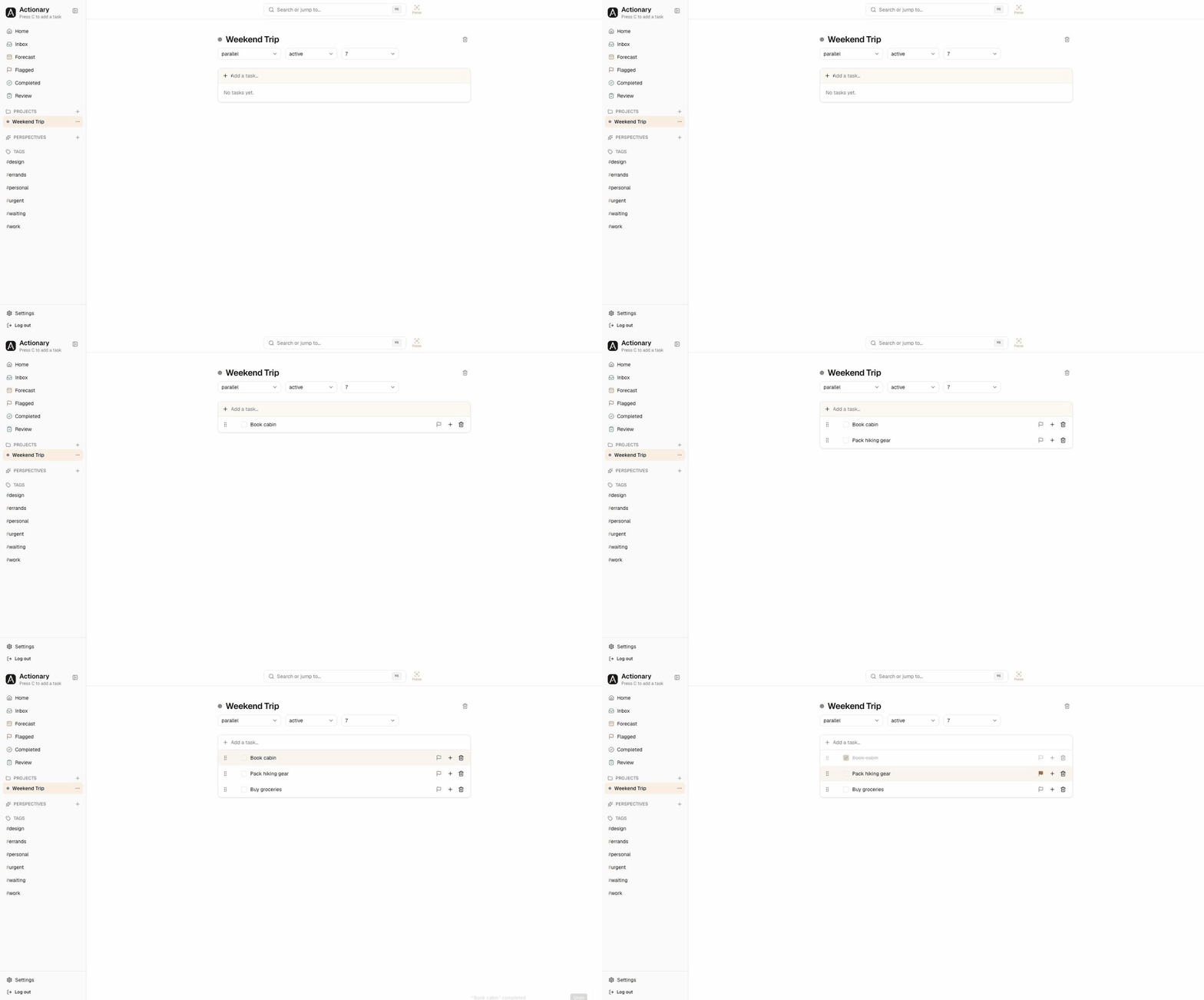
Parallel
No fixed order. Every step is available at once, in any order you like.
Single actions
No steps at all — just an ungrouped checklist. Good for errands.
Think it through as a map
Flip any project into a mind map. Tab branches out a subtask, Enter adds the next idea, and dragging a node onto another regroups it — every node is a real task, nested as deep as you like.
Organise projects your way
Group projects into folders, nested as deep as you like. Drag any project or folder to reorder it or file it away, and hide finished projects with one tap.
Never miss a deadline
A calendar highlights every day with something due — tap one to see just that day. Overdue, due today, and coming up, grouped automatically.
See work move, at a glance
A Kanban view of every project task — drag a card between To Do, In Progress, and Completed.
Narrow the whole app to what matters now
Focus on one or several projects at once and every view — Forecast, Flagged, tags, everything — narrows to just those, until you clear it.
Revisit projects on your schedule
Every project comes up for review on a cadence you set — weekly by default. See what's due and mark it reviewed in one click.
And everything else you'd expect
Natural-language dates
Type “call mom tomorrow 5pm” and the date is picked up for you.
Search everything
One search bar covers every task, project, and tag.
Due-time notifications
A push on your phone or desktop the moment a task comes due.
Flags and priorities
Flag what matters today and mark how urgent each task is.
Perspectives
Save a filter once and it's one click away in your sidebar.
Shared projects
Invite someone by email and work on a project's tasks together.
Pomodoro and timers
Start a Pomodoro or a countdown on any task; get a push when time's up.
Completed projects
Finished projects stay out of the way, and reopen in one click.
Calendar sync
Subscribe from Apple or Google Calendar to see every due task there.
Google Keep import
Bring your Keep notes in as tasks — re-import any time without duplicates.
Export
Download everything as JSON, CSV, plain text, or iCal.
Light or dark
Switch anytime, or follow your system setting.
Works everywhere you do
Install it on your phone like an app, or just open it in any browser.
Get it out of your head
Capture everything, decide what's next, and trust that nothing slips. Free while in beta.